
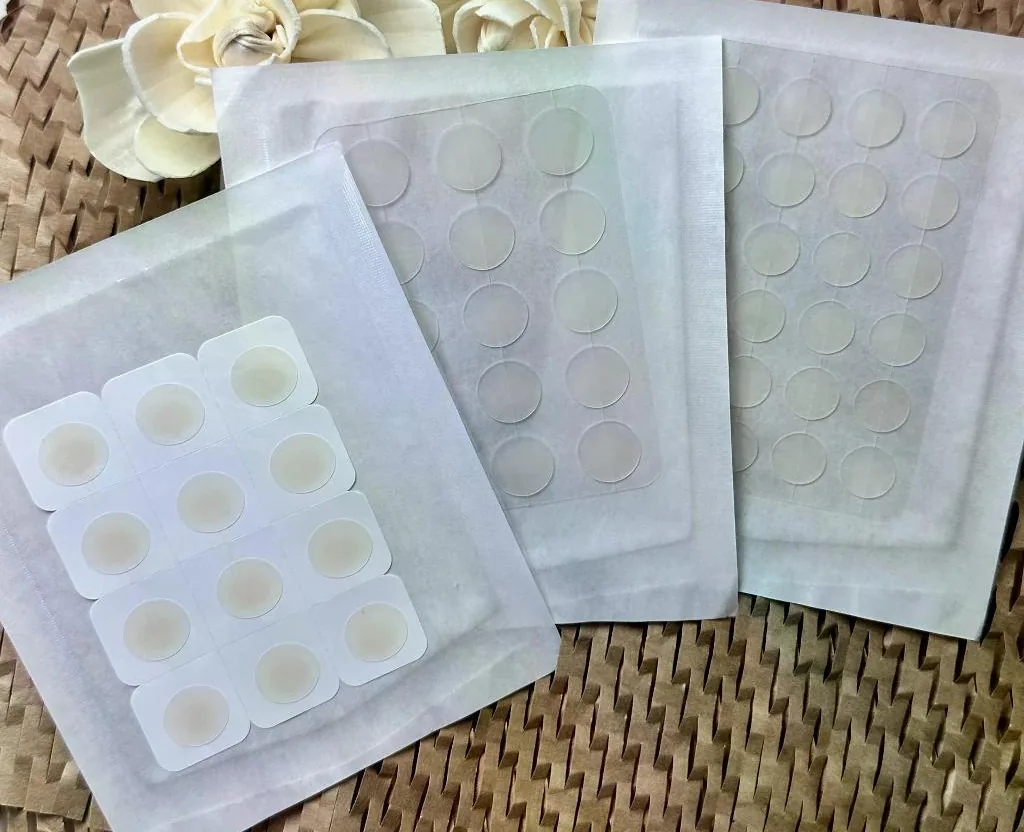
What to evaluate
A spot patch format sheet should distinguish the overall footprint from the area occupied by needles. Include the handling border, liner tabs and any non-needle regions. Buyers comparing shapes need a common basis: dimensions measured in the same orientation, photographs at the same scale and clearly identified revisions. More complex outlines may introduce packaging and removal questions that a simple rendering does not show.
Planning the next decision
Prepare a shortlist based on the intended application area and brand presentation. Use blank mock-ups to discuss orientation and handling before assuming a formula is fixed. If a custom outline is required, ask whether a new backing tool, array mold or both are involved. A change to the visible patch shape does not necessarily mean the underlying array has changed, so list the two decisions separately.
Build a useful project brief
The review packet should contain a plan view, a side view, component descriptions and a list of open dimensions. For every candidate, record what the recipient is expected to compare. Specify whether the samples are visual mock-ups, mechanical evaluation pieces or formulated prototypes. Feedback should refer to the same revision throughout. Confirm the proposed primary package while the shape is being selected, since cavity clearance and opening access can rule out an otherwise attractive design. These steps produce a clear target for the next prototype.
Compare the usable area within each outline
A circular outline, an oval and a shaped patch can have the same overall area while providing different space for an array and attachment border. Corners and narrow extensions may be useful for handling or visual identity, but they can also complicate backing support and tray fit. A configuration drawing should identify the usable array region and the boundary that must remain free of microstructures. When comparing shapes, hold the intended construction constant long enough to understand the geometric trade-offs. This avoids attributing a difference to the silhouette when the underlying array or adhesive arrangement also changed. Compare annotated outline and array drawings at a defined scale. Enlarged beauty photographs can introduce the appearance, but they do not establish the usable array area or attachment boundary.
Rotation and orientation matter in small formats
A round patch may appear orientation-independent, yet its liner tab or off-centre array can create a preferred handling direction. A shaped patch may need an obvious visual cue to prevent incorrect placement during assembly or evaluation. These details affect the tray, the printed instructions and the way samples are labelled. An illustrative comparison could examine whether two outline options remain identifiable after they are removed from their protective carriers. The result concerns handling clarity, not cosmetic efficacy. Identify which features are controlled by the drawing and which are decorative options. Only the controlled definition provides a consistent basis for comparing physical revisions. This helps buyers decide whether a requested shape can be developed from an existing configuration or needs a new construction and supporting package.